The Minimalist Guide to Email Tracking in Gmail Without a CRM
Executive Summary
Freelancers and individual professionals do not need to install bloated Customer Relationship Management (CRM) software just to track single emails. By utilizing a lightweight, unbranded tracking pixel, users can achieve precise engagement metrics directly within the native Gmail interface. This minimalist approach strips away massive corporate overhead, prevents unwanted branding injections, and guarantees zero third-party inbox access.
The Problem with CRM Bloat
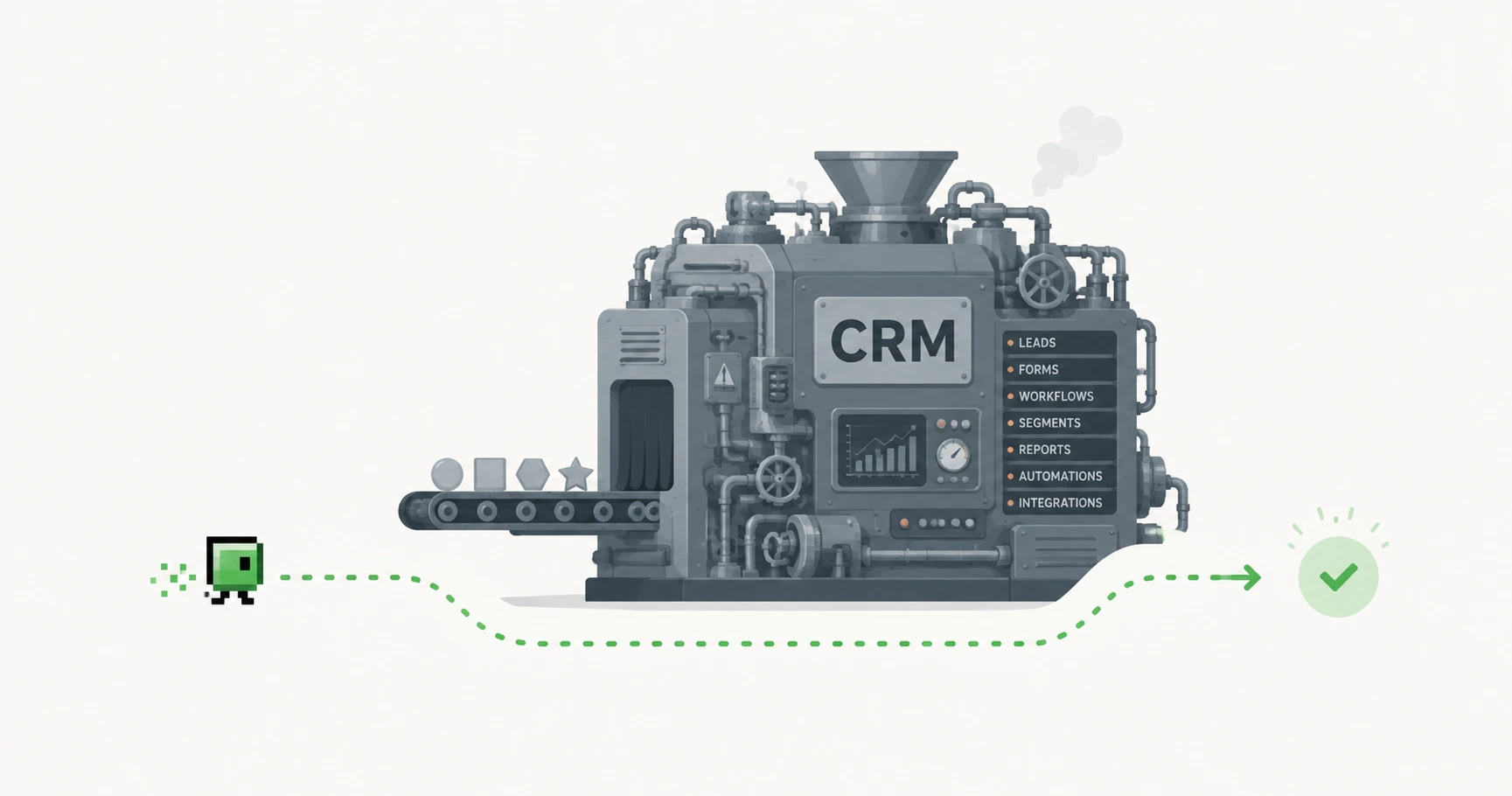
The modern software ecosystem pushes users toward complex, all-in-one platforms. When searching for email tracking solutions, individuals are overwhelmingly funneled toward enterprise SaaS products like HubSpot, Salesforce, or Mailchimp. These platforms are designed for mass marketing, pipeline management, and automated drip campaigns. For a freelancer trying to track a single legal contract or design proposal, adopting a full-scale CRM is the equivalent of buying a commercial airliner for your daily commute.
These systems typically require heavy browser extensions, complicated onboarding processes, and deep OAuth integrations that scan your inbox data to populate their contact databases.
Why Freelancers Only Need a Pixel
Individual users usually have a singular goal: verifying if a critical message was delivered and opened. They don't need lead scoring or sales funnels. A standalone tracking pixel perfectly fulfills this requirement.
By injecting a mathematically invisible 1x1 image into the email body, the sender can silently verify engagement. This operates seamlessly whether you use a standard @gmail.com address or if you have learned how to track custom domain emails in Gmail web. The pixel simply pings the server when rendered, requiring no secondary software on the sender's or receiver's end.
Avoiding Unwanted Branding Signatures
One of the most significant drawbacks of "free tier" CRMs and browser extensions is forced branding. These tools often inject a signature line at the bottom of your emails stating, "Tracked by [Company Name]."
In professional 1-to-1 correspondence, announcing that you are actively tracking the recipient can seem aggressive or intrusive. A minimalist tracking strategy prioritizes discretion. True pixel tracking relies on standard web protocols, ensuring the payload remains 100% unbranded and invisible to the naked eye.
The Lean Tracking Stack
MailPing represents the ultimate lean tracking stack. We completely eliminate the need for CRM bloat, browser extensions, or inbox permissions. Our web-based dashboard allows you to instantly generate a unique, proxy-aware image URL.
You simply open your native Gmail Web composer, draft your email, and paste the URL into the "Insert Photo" tool. When your recipient opens the message, our intelligence engine filters out infrastructure noise and delivers a clean, precise timeline of human engagement directly to your MailPing dashboard. It is enterprise-grade insight without the enterprise-grade hassle.
Explore the Tracking Cluster

Try MailPing for free
Generate an invisible, proxy-aware tracking link to confidently verify when your important emails are opened. No CRM required, zero inbox access.
Related Questions
How can I track Gmail without installing HubSpot?
You do not need an enterprise CRM to track single emails. By generating a standalone tracking pixel through a dedicated service like MailPing, you can manually insert the invisible image URL directly into the standard Gmail Web composer, achieving the same open confirmation without the software bloat.
What is the simplest way to track an individual email?
The simplest and least invasive method is using a zero-installation pixel generator. Instead of integrating a third-party extension into your browser, you generate a unique image URL on a dashboard like MailPing, paste it into your email via the 'Insert Photo by Web Address' feature, and monitor the engagement timeline externally.