Gmail Read Receipts for Personal Accounts: The Ultimate Workaround
Native Gmail read receipts are restricted to paid Google Workspace users, leaving individuals without built-in tracking. Learn the ultimate workaround.
Insights, guides, and professional strategies for intelligent email tracking.

Native Gmail read receipts are restricted to paid Google Workspace users, leaving individuals without built-in tracking. Learn the ultimate workaround.
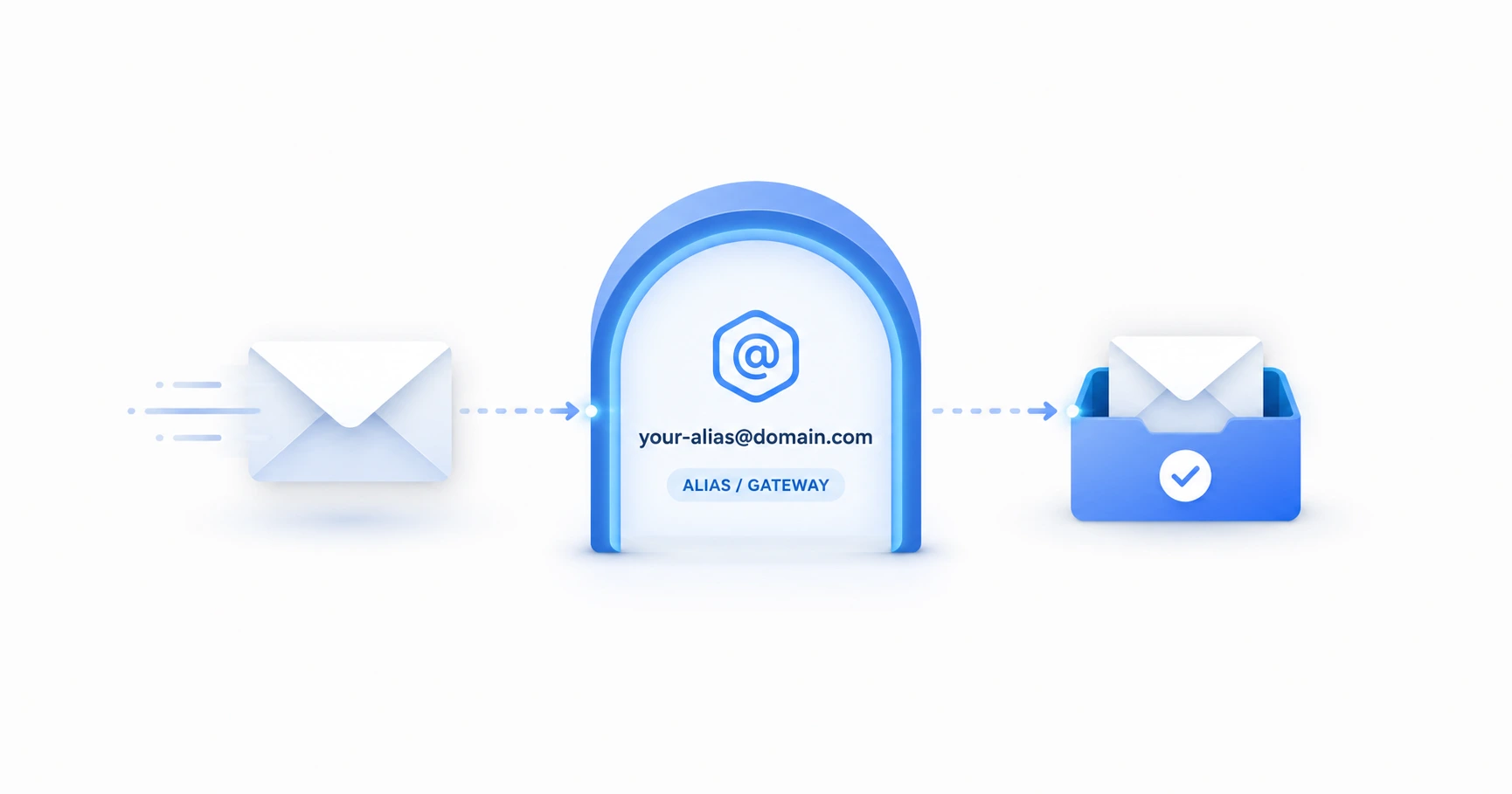
Professional users often think they cannot use lightweight tracking tools with their business domains. Discover how to configure the 'Send mail as' alias feature.

Modern email providers utilize image caching proxies, triggering automated false opens on legacy trackers. Learn how an intelligent engine filters this noise.
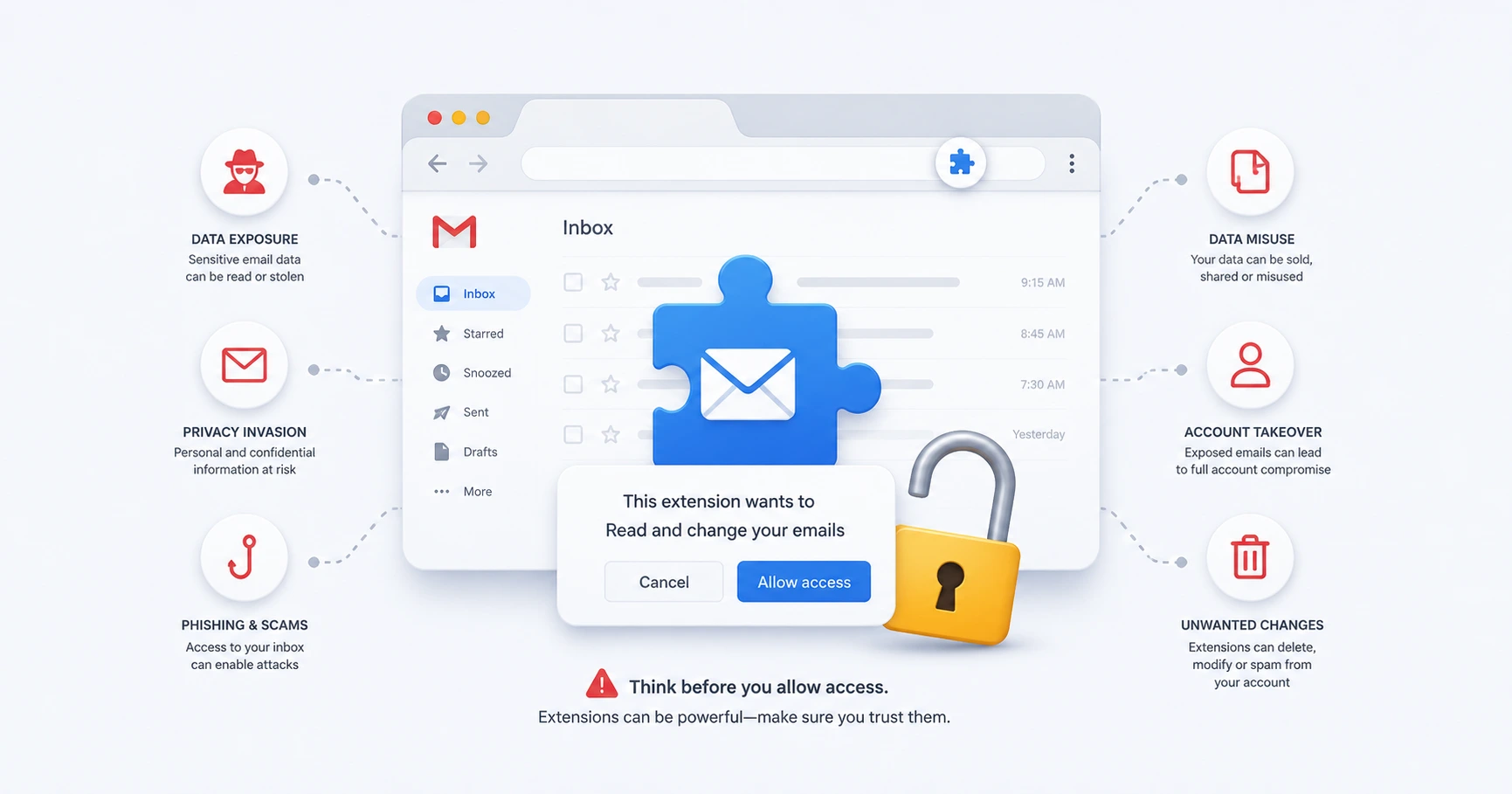
OAuth permissions and browser extensions often require full read/write access to user inboxes, creating severe security vulnerabilities.

While mass-marketers face strict regulations, individuals sending personal tracking links for 1-to-1 communication operate under different privacy expectations.

Uncertainty surrounding critical communications causes anxiety. Using a proxy-aware tracking link helps definitively separate 'not delivered' from 'read and ignored'.

Freelancers and individual professionals do not need to install bloated CRM software just to track single emails. Discover the lean tracking stack.

Google proactively routes all external images through its secure caching servers to protect user privacy. Learn how this impacts tracking location data.

Email providers routinely block external images to protect users from malicious scripts. Understand how this mechanically paralyzes tracking pixels.