Was My Email Ignored? How to Confidently Verify Important Messages
Executive Summary
Uncertainty surrounding critical communications often causes unnecessary anxiety and premature follow-ups. By utilizing a proxy-aware tracking link, individuals can definitively separate a technical "delivery failure" from a "read and ignored" scenario, providing objective clarity without relying on the recipient to send a voluntary response.
The Psychological Toll of Unconfirmed Delivery
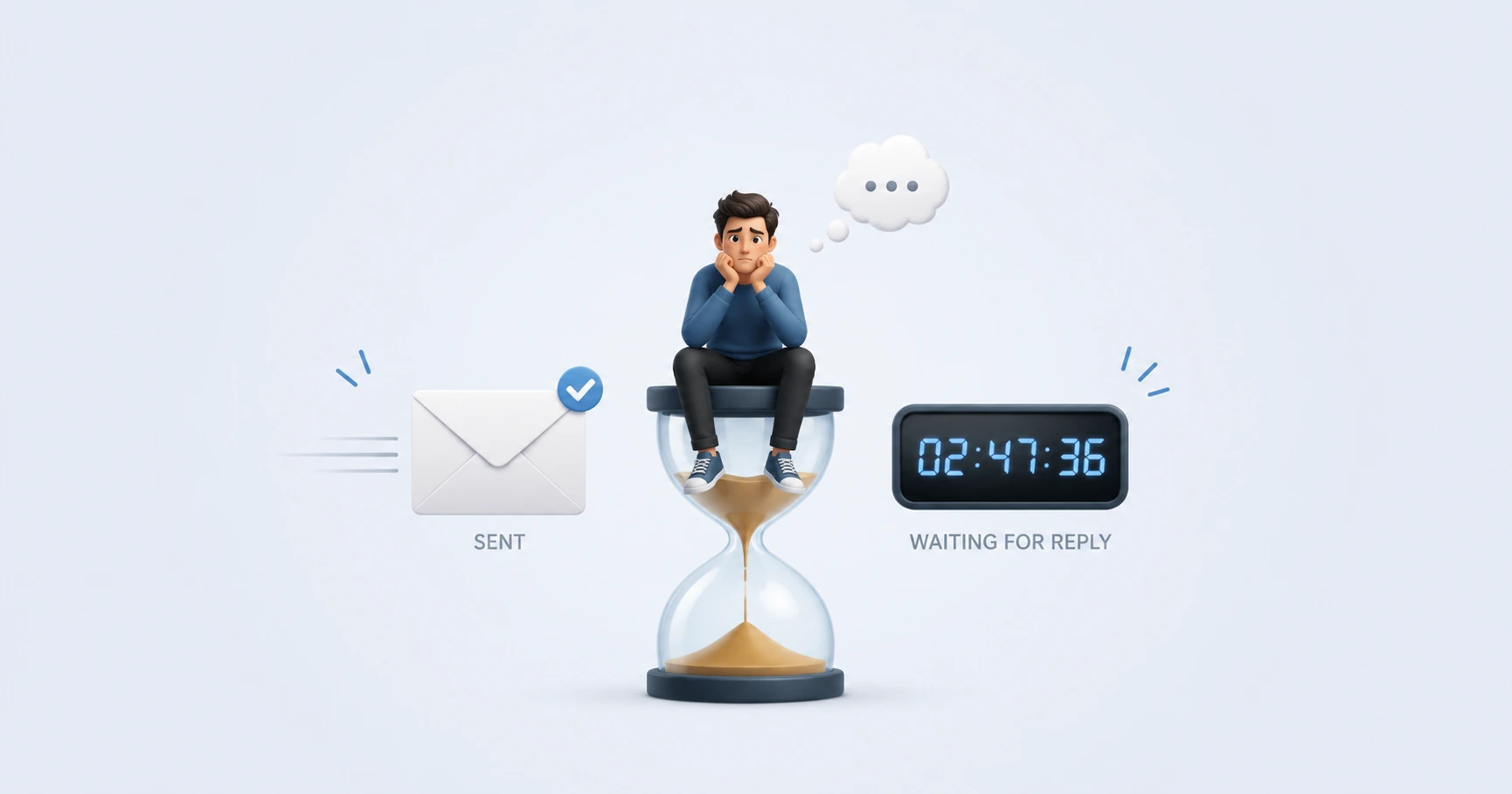
Hitting "Send" on a critical email—whether it is a freelance invoice, a legal notice, or a time-sensitive proposal—often triggers a waiting game filled with uncertainty. When a reply doesn't arrive within the expected timeframe, confirmation bias can set in. You may begin to wonder if the email landed in the spam folder, if there was a typo in the address, or if the recipient is simply ignoring you. This lack of objective data often leads to anxious, premature follow-up emails that can damage professional relationships.
Why Traditional "Read Receipts" Fail
For decades, users have attempted to solve this problem using the traditional Message Disposition Notification (MDN) protocol—commonly known as a read receipt. However, as detailed in our guide on Gmail read receipts for personal accounts, this feature relies entirely on voluntary compliance. It presents the recipient with a popup asking if they wish to send a receipt. Because this feels intrusive, the vast majority of recipients decline the prompt. The sender is left with zero actionable data, completely in the dark regarding the email's true status.
Separating "Not Delivered" from "Ignored"
To gain actionable clarity, you must transition from voluntary read receipts to automated pixel tracking. An invisible tracking pixel does not ask for permission to confirm delivery; it simply logs the network request when the recipient's mail client loads the email's contents.
This data empowers you to make strategic decisions:
- Zero Opens After 48 Hours: The email likely landed in a spam folder, or the recipient is out of the office. A polite follow-up or a phone call is entirely justified.
- A Single Open: The message was received and viewed. The recipient is aware of the contents but may need time to formulate a response or review attachments. You can wait confidently without sending a premature follow-up.
- Multiple Opens Over Several Days: The recipient is actively reviewing the document, returning to it multiple times, but has deliberately chosen not to reply yet. You have absolute confirmation that the message was not technically lost.
Taking Control with MailPing
MailPing provides this definitive clarity through a simple, proxy-aware web dashboard. Rather than wondering if your invoice was ignored, you can generate an unbranded, mathematically invisible tracking pixel and embed it directly into your email body. When the recipient opens the message, MailPing's engine filters out automated server checks and updates your personal timeline with confirmed, human engagement events. You regain control over your communication strategy, eliminating the anxiety of the unknown.
Explore the Tracking Cluster

Try MailPing for free
Generate an invisible, proxy-aware tracking link to confidently verify when your important emails are opened. No CRM required, zero inbox access.
Related Questions
How can I tell if someone read my email and deliberately ignored it?
By using an invisible tracking pixel, you can verify the exact time your email was opened. If the timeline shows multiple opens over several days with no reply, you can confidently conclude the message was received and read, allowing you to separate technical delivery failure from a deliberate lack of response.
What if the timeline shows an open but they haven't replied yet?
A single open event simply confirms delivery and initial viewing. The recipient may be busy, formulating a response, or reviewing attached documents. MailPing's timeline helps you avoid sending premature follow-ups by confirming they have at least seen the communication.