Why Gmail Opens Appear from Google IP Addresses
Executive Summary
When you see an email "open" originating from a Google IP address, you are almost certainly observing an automated server check rather than human engagement. Google proactively routes all external images through its secure caching servers (primarily operating under ASN 15169) to protect user privacy and scan for malware. While legacy tracking tools mistakenly record this infrastructure behavior as a genuine open, advanced proxy-aware engines actively filter these IP blocks to maintain timeline accuracy.
The Role of ASN 15169 in Email Delivery
Every device connected to the internet, from your smartphone to massive cloud data centers, operates on an IP address. To organize these addresses, the internet relies on Autonomous System Numbers (ASNs). Google LLC operates primarily under ASN 15169, representing an enormous block of IP addresses dedicated to their global infrastructure.
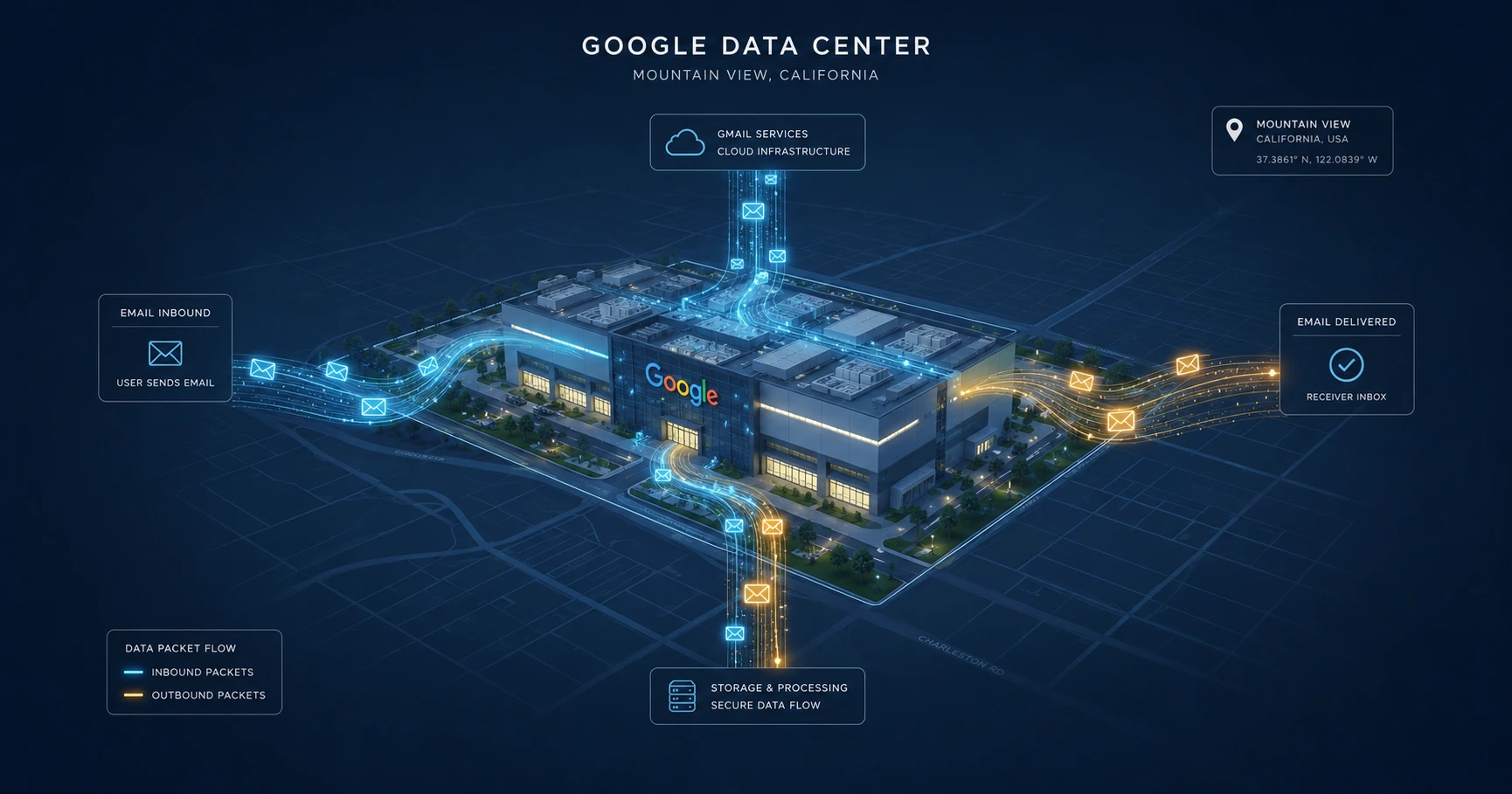
When an email is successfully delivered to a Gmail inbox, Google's servers within ASN 15169 immediately step in. Before the recipient is even notified of the new message, these automated servers download all embedded images—including tracking pixels—to scan them for vulnerabilities and cache them securely.
Why Mountain View Keeps Opening Your Emails
This automated fetching mechanism is the root cause of widespread confusion among users of legacy CRM tools. Basic tracking software logs the IP address of whatever machine downloaded the image. It then performs a reverse IP lookup to assign a geographical location to that "open."
Because many of Google's corporate IP addresses are officially registered to their headquarters in Mountain View, California, outdated tracking tools will erroneously report that someone in Mountain View just opened your email seconds after you sent it. If you sent a proposal to a local client in London or New York and immediately see a read receipt from California, you are looking at the Google Image Proxy at work.
Privacy vs. Tracking Accuracy
Google did not implement this architecture to intentionally break tracking software; they built it for security and privacy. In the past, opening an email allowed the sender's server to capture the recipient's exact residential IP address, revealing their precise location and internet service provider.
By routing the request through their own IP blocks, Google acts as a shield, obscuring the recipient's physical whereabouts. While this is a massive win for consumer privacy, it creates a high-noise environment for marketers and professionals seeking accurate engagement data. As we explored in our deep dive on bypassing the Google Image Proxy, separating these automated server downloads from real human interactions requires sophisticated server-side logic.
How Proxy-Aware Engines Filter the Noise
To provide actionable insights, an email tracking system must be intelligent enough to differentiate between a human and a server farm.
MailPing handles this by maintaining a rigorously updated ledger of known infrastructure IP ranges, including Google's ASN 15169, Amazon Web Services, and Apple's Private Relay networks. When the MailPing engine detects an incoming request from one of these data center IPs, it categorizes it strictly as a "Proxy Cache Check" in your backend timeline. It waits until a secondary, distinct request pattern emerges before declaring the email genuinely opened by a human. This ensures that your engagement metrics are grounded in reality, entirely free from automated false positives.
Explore the Infrastructure Cluster

Try MailPing for free
Generate an invisible, proxy-aware tracking link to confidently verify when your important emails are opened. No CRM required, zero inbox access.
Related Questions
Why is my tracking location showing as Mountain View, California?
When Gmail receives your email, its infrastructure servers (which are often registered to Google's headquarters in Mountain View, California) automatically download embedded images to scan for malware. Basic tracking tools perform a reverse IP lookup on this automated request and log it as a human open in Mountain View. Proxy-aware engines like MailPing filter out these specific IP addresses so you only see genuine human engagement.
Does Google read my emails before the recipient opens them?
No, Google does not "read" the content with human eyes. Their automated security systems scan the incoming message and its embedded images for malicious code. This process caches the images to protect the recipient's personal IP address from being exposed to third-party trackers.